TagMo
Tools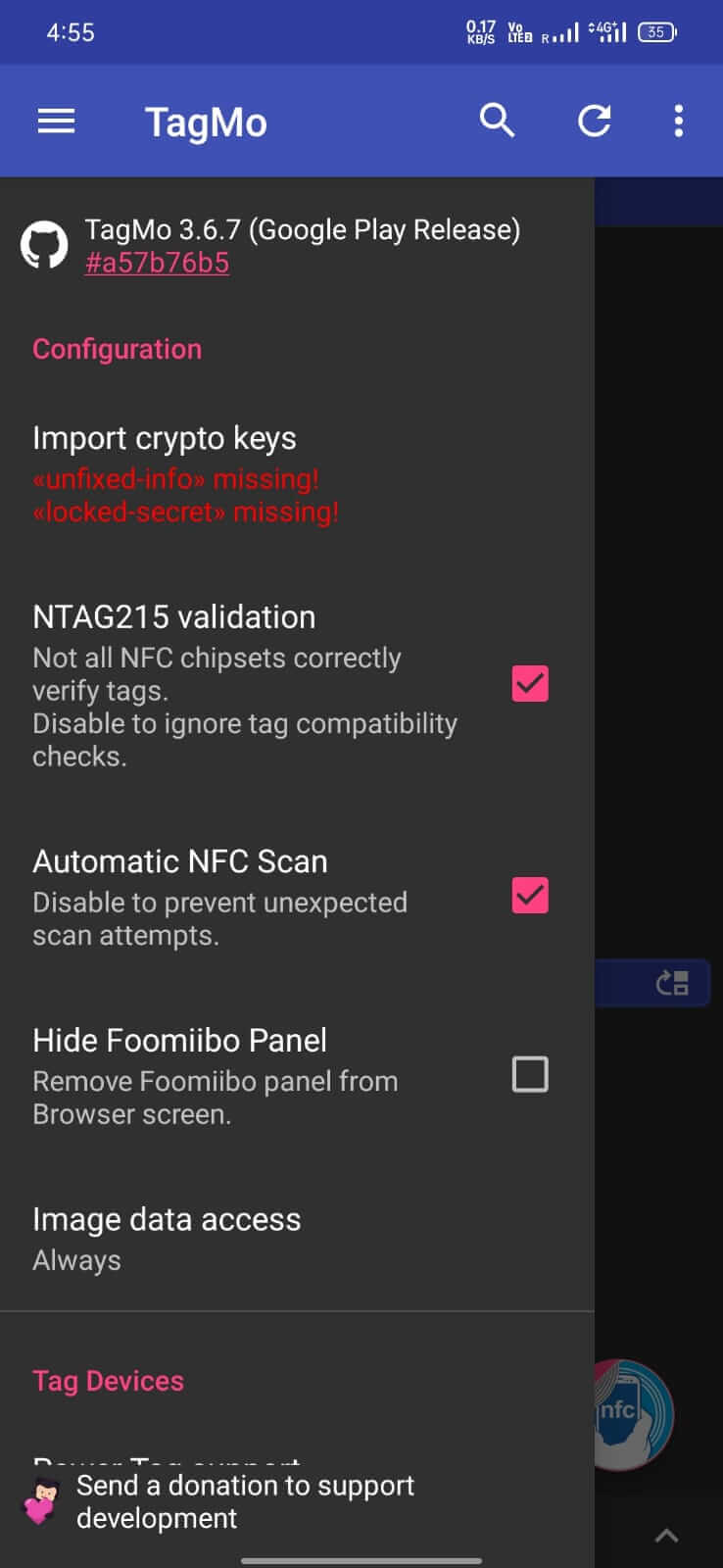
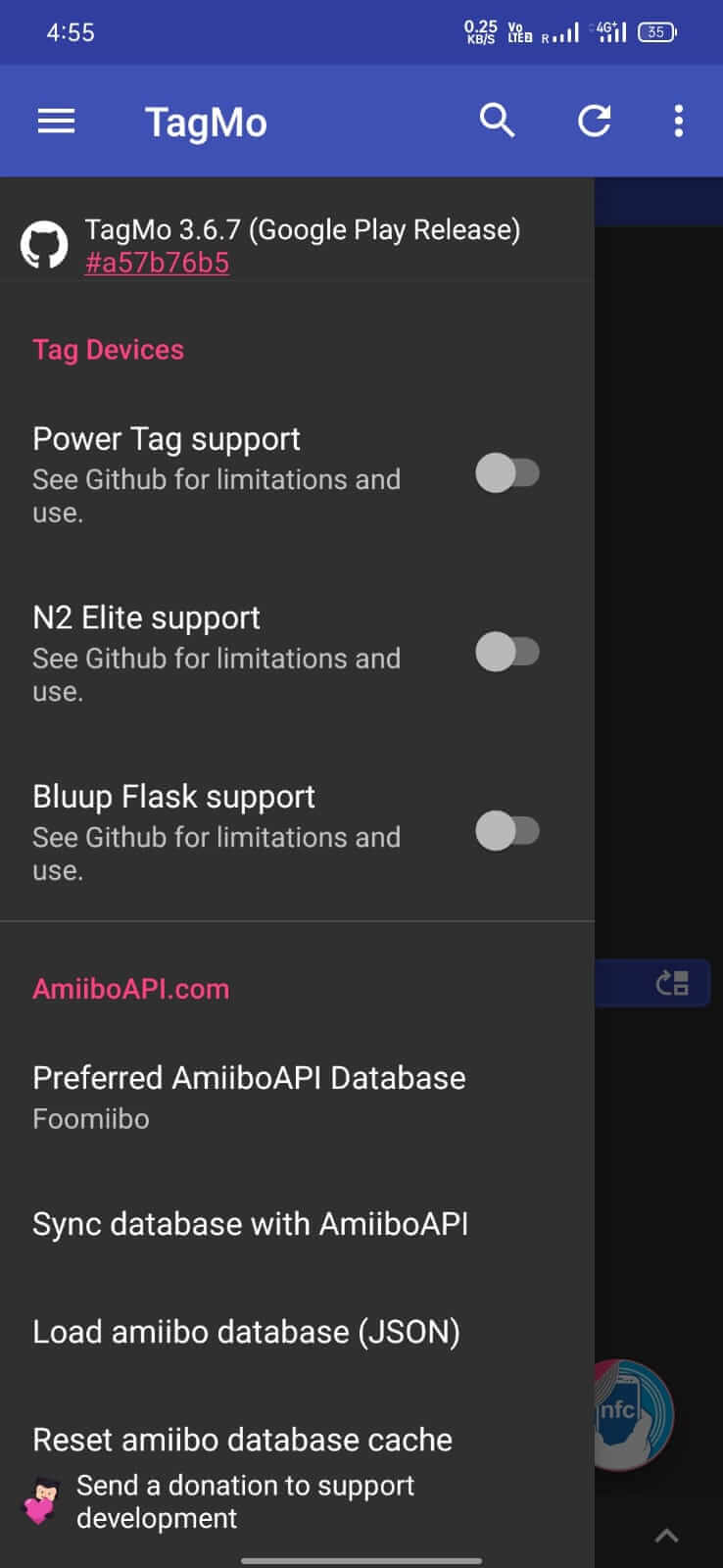
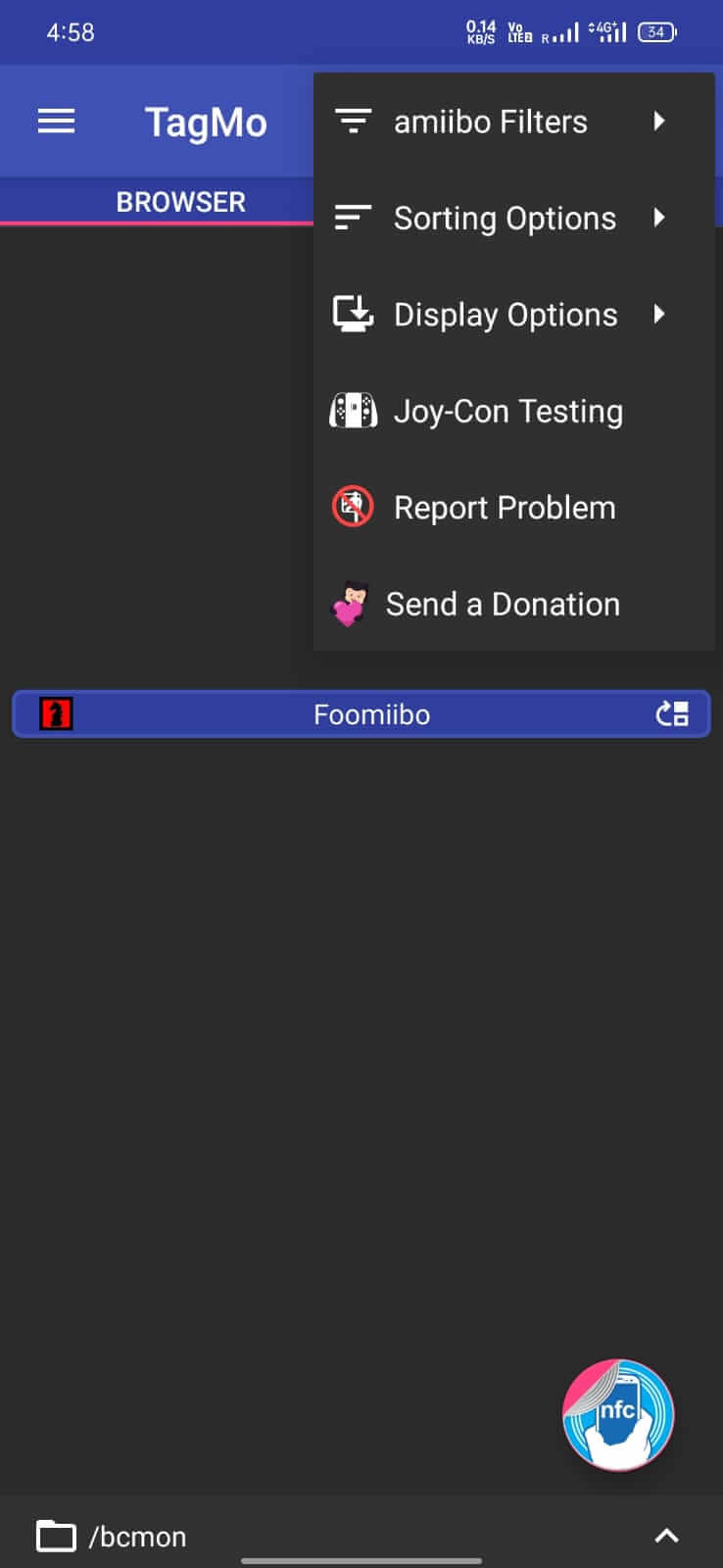
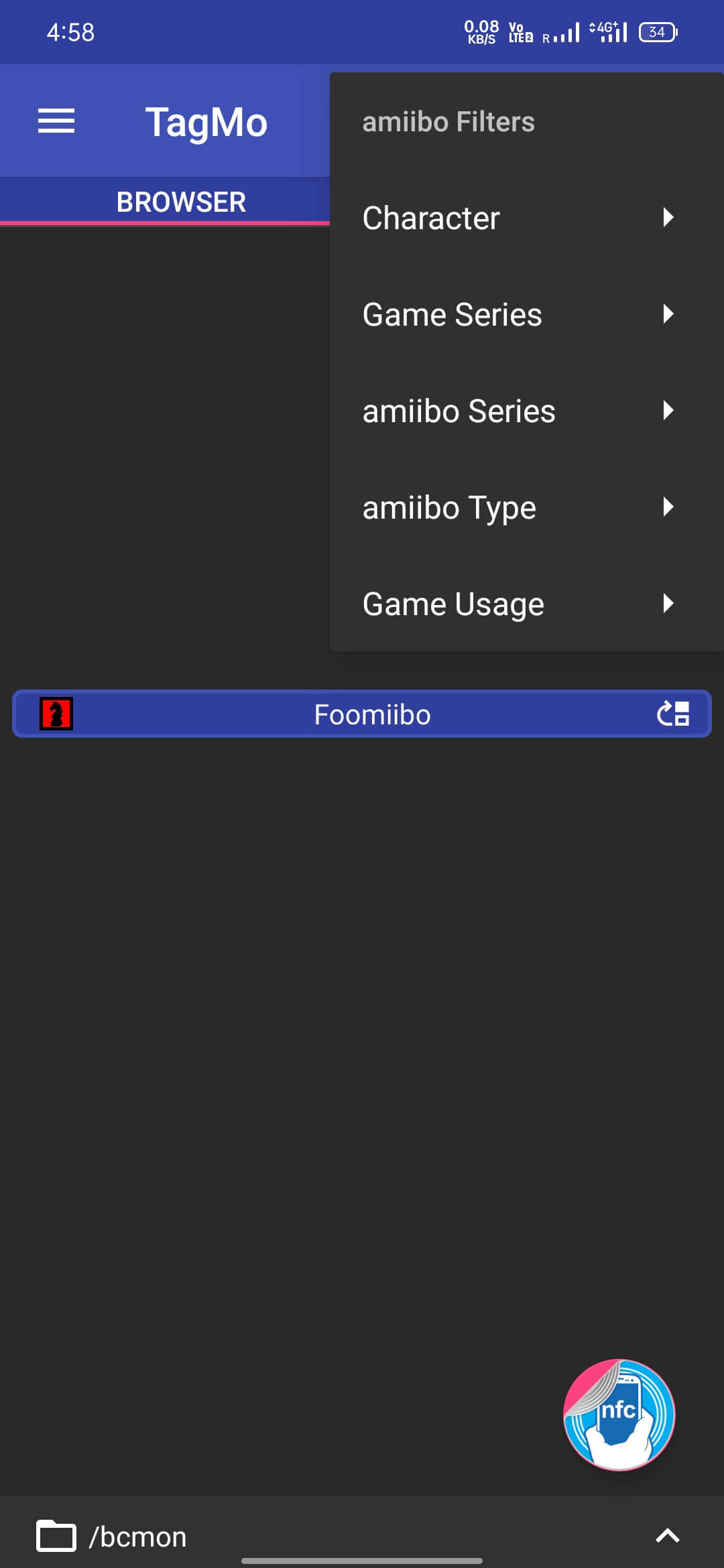

TagMo is an Android utility that lets you create and edit NFC tags compatible with Nintendo’s Amiibo figures. By loading custom Amiibo data onto a blank NFC tag, you can unlock characters, items, or bonuses in supported games without buying the physical figurines.
This page provides the latest version details, installation instructions, compatibility notes, and safety considerations for TagMo.
Quick Information
| App/Game Name | TagMo |
| Latest Version | 4.5.2 |
| Developer | Not listed |
| Category | Apps / Tools |
| App Size | 29.19 MB |
| Package Name | com.hiddenramblings.tagmo.eightbit |
| Last Updated | 1 October 2026 |
What Is TagMo?
TagMo works as a straightforward NFC writer focused on the eight‑bit series of Amiibo tags. Users import a .bin file that contains the Amiibo’s data, then use the app to transfer that data onto a rewritable NFC tag (typically NTAG215). The resulting tag behaves like an official Amiibo when scanned by a Nintendo console.
Key capabilities include:
- Loading custom Amiibo
.binfiles. - Writing data to NTAG215 tags via the device’s built‑in NFC hardware.
- Backing up existing Amiibo data for later use.
The app does not provide any in‑app store for downloading Amiibo files; users must source those files independently.
Compatibility
Compatibility
| Android Version | ✓ Verified — Android 4.1 and later |
| Architecture (ARM64 / 32-bit) | Not Verified |
| Internet Connection | ✓ Verified — May be required for ads, updates, or login |
| Storage Needed | Not Verified |
| OBB/Data Files | Not Verified |
| Root Required | Not Verified |
How to Install
- Enable Unknown sources in your Android settings (Settings → Security → Install unknown apps).
- Download the TagMo APK file to your device.
- Tap the downloaded file and follow the on‑screen prompts to install.
- After installation, open TagMo and grant the requested NFC permission.
- Place a blank NTAG215 tag on the back of your phone and use the “Write” button to load your chosen Amiibo file.
Troubleshooting
- App not installed – Verify that your device runs Android 5.0 or higher and that the APK is intact (re‑download if necessary).
- App crashes on launch – Clear app data (Settings → Apps → TagMo → Storage → Clear data) and restart the device.
- NFC tag not detected – Ensure your phone’s NFC is turned on and that you are using a genuine NTAG215 tag, not a different NFC type.
- Written tag not recognized by Nintendo console – Double‑check that the
.binfile matches the console region (e.g., US, EU, JP) and that the tag was correctly written.
Safety & Security
TagMo is a modified utility that accesses your device’s NFC hardware. When installing any APK from outside the Play Store, consider these points:
- Only download the file from a reputable source you trust.
- Review the permissions the app requests; TagMo needs NFC access and storage to read
.binfiles. - Avoid entering personal or account credentials within the app, as it does not require them.
- Future updates to the official Nintendo firmware may affect tag compatibility, requiring a newer version of TagMo.
How TagMo Compares
| Feature | TagMo | NFC Tools | Mii Tool |
|---|---|---|---|
| Price / Free model | Free (open‑source) | Free with optional in‑app purchases | Free (homebrew) |
| Platform availability | Android only | Android & iOS | Android only |
| Standout feature | Specific support for Nintendo Amiibo NTAG215 tags | General NFC read/write for many tag types | Creates and edits Mii data for Nintendo consoles |
| Best for | Users who want to emulate Amiibo figures | Anyone needing a versatile NFC utility | Fans interested in custom Mii characters |
Alternatives
- NFC Tools – A broad NFC reader/writer that supports many tag formats, suitable if you need more than Amiibo functionality.
- Amiiibo – Another Amiibo‑focused app that offers a similar write process with a different user interface.
- Yuzu Emulator (Android) – While not an NFC writer, it can emulate Amiibo data within the emulator, useful for testing without physical tags.
Final Verdict
TagMo is a niche but reliable tool for Android users who want to create custom Nintendo Amiibo tags. It’s lightweight, free, and does exactly what it promises—write NTAG215 tags with Amiibo data. However, it requires you to source your own .bin files and a compatible NFC tag, and it does not receive official updates. Verify the APK source, grant only necessary permissions, and ensure your device’s NFC works before proceeding.
Frequently Asked Questions
TagMo is an open‑source utility, but you should download it from a trusted source and only grant NFC and storage permissions.
TagMo runs on Android 5.0 (Lollipop) and newer, provided the device has NFC hardware.
Yes, TagMo works with NTAG215 tags, which are the same type used in official Amiibo figures.
Root access is not required; the app uses the standard Android NFC API.
TagMo does not provide them; you must obtain .bin files from your own backup or other legal sources.
It’s possible—Nintendo can change how Amiibo data is validated, which may require an updated version of TagMo.
If you already have TagMo installed, you can install the new APK directly; Android will replace the existing version.
No, TagMo works offline once you have the .bin file stored on your device.